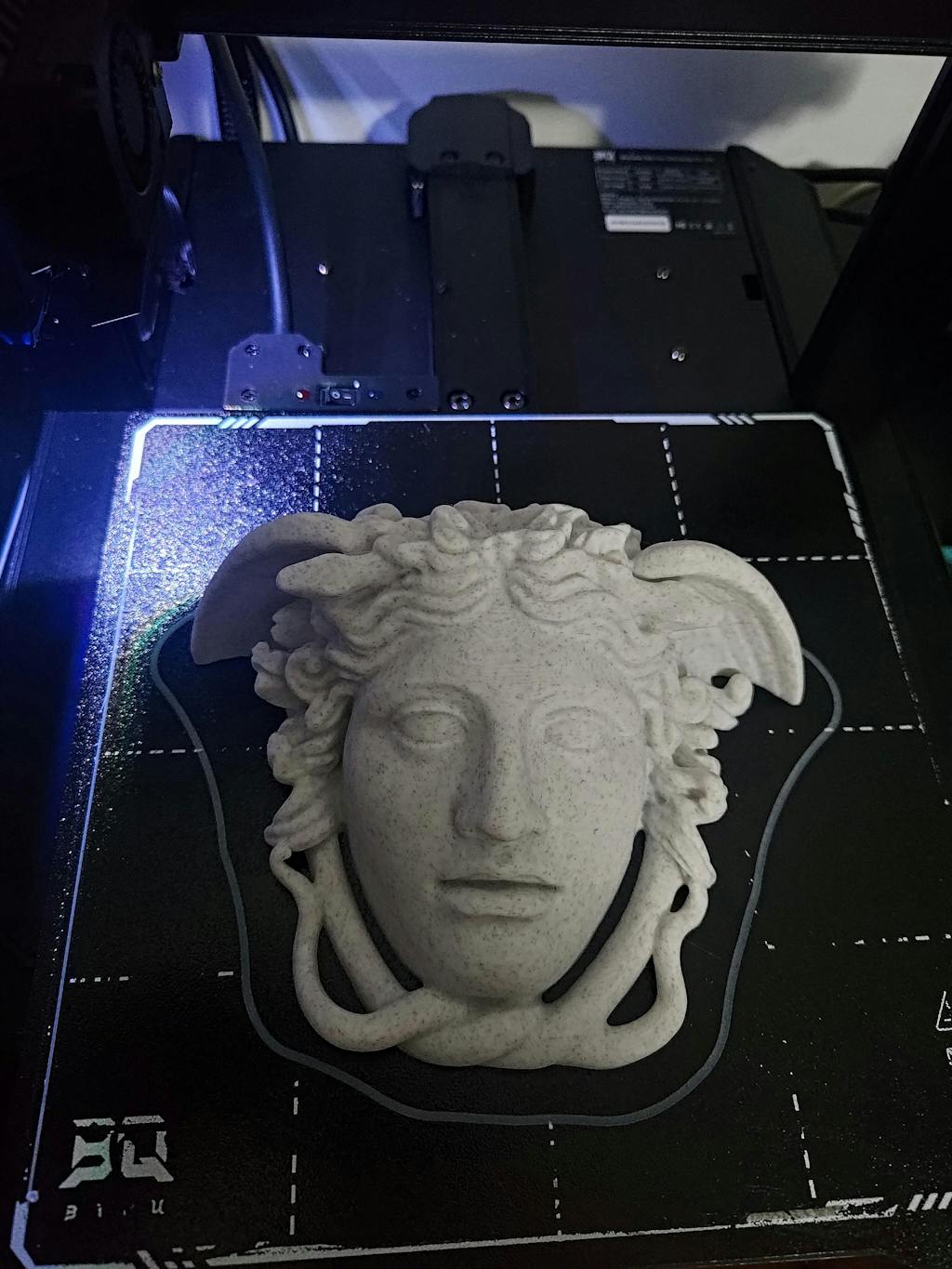




BIQU Hurakan Klipper 3D Printer
● Out-of-the-box klipper printer.
● Enjoy wireless printing.
● Built-in microprobe.
● Partitioned hotbed design, power saving helper.
● Silent Printing.
Couldn't load pickup availability
-
 Global Fast Shipping
-
 Free Shipping USD $59+
-
 180-days Warranty
-
 Earn BQ Maker Coins to get cash discounts when buying this product


Product Showcase
Hurakan 3D Printer
Out-of-the-Box Klipper Printer
 Official cooperation
 Remote printing
 Adjustable heat bed
 Automatic leveling
 Material break detection
 Upgradable

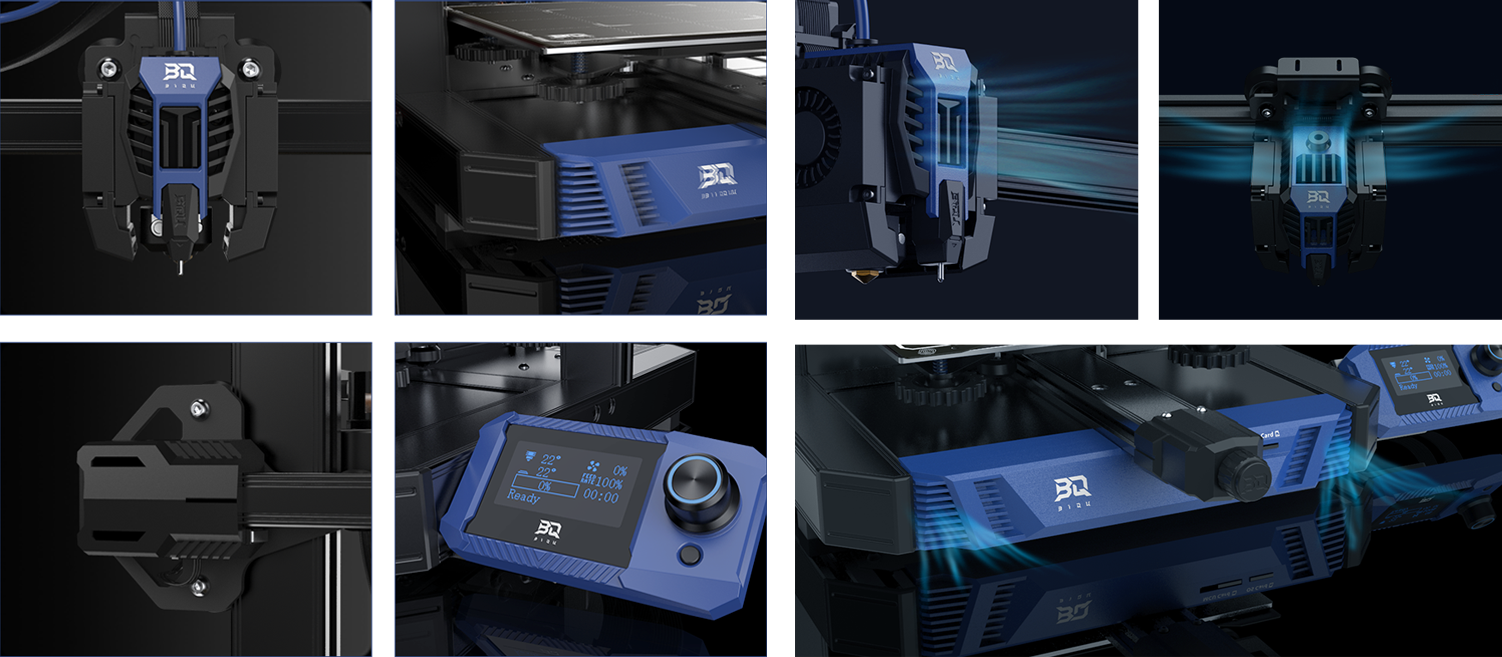
Dual-Tone Colors & Mechanical Style
The dual-color design makes it unique and recognizable. Rigid lines fuse mechanical elements to create a sleek and modern 'high-tech' look.
Venting Grille
The venting grilles situated on the base and print head add to the printer's unique look while serving the practical function of improving heat dissipation efficiency and reducing weight.
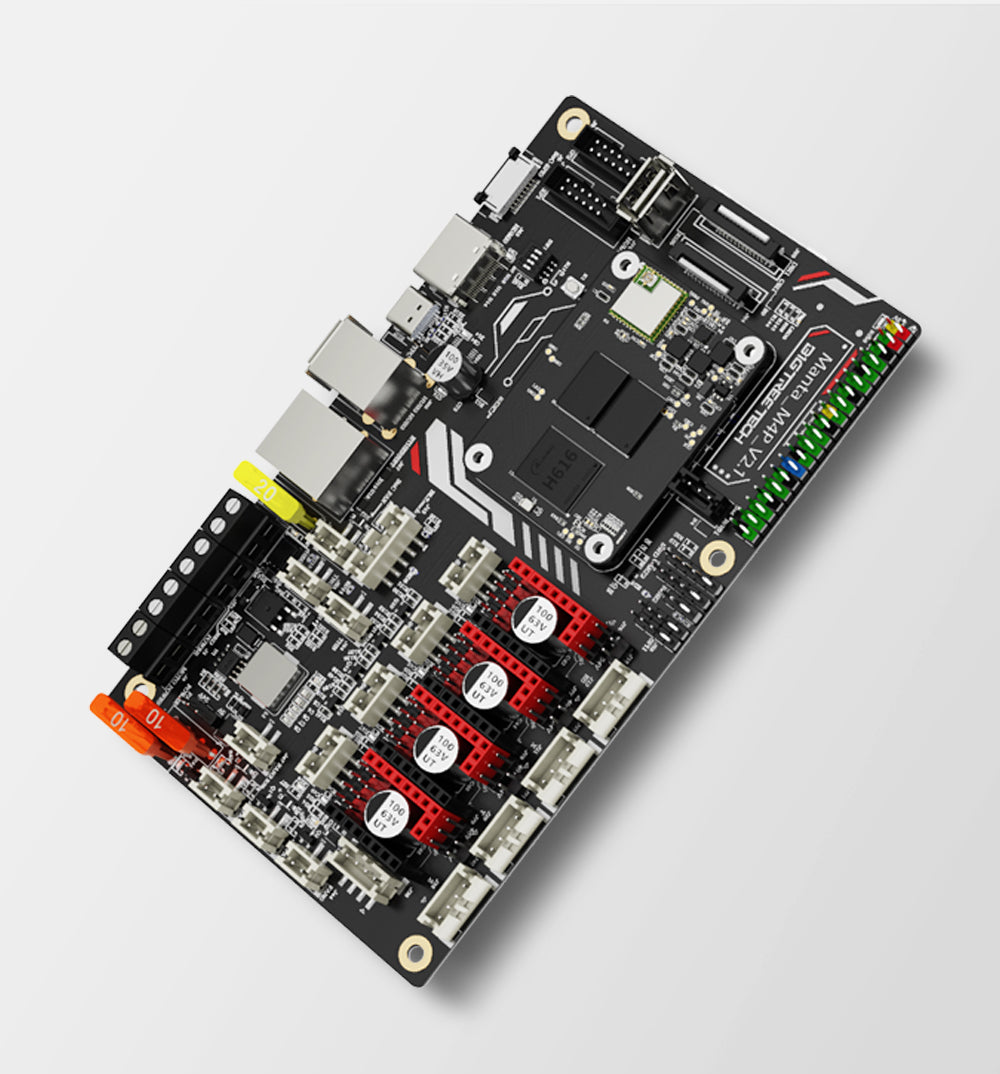
BTT Manta M4P+CB1
The Manta M4P control board and the CB1 core both are of the latest design which enables Hurakan to run Klipper while also supporting Marlin.
Klipper is Ready
Klipper has been pre-installed on the Hurakan, allowing you to leave out complicated installation procedures while enjoying speed, precision and convenience.
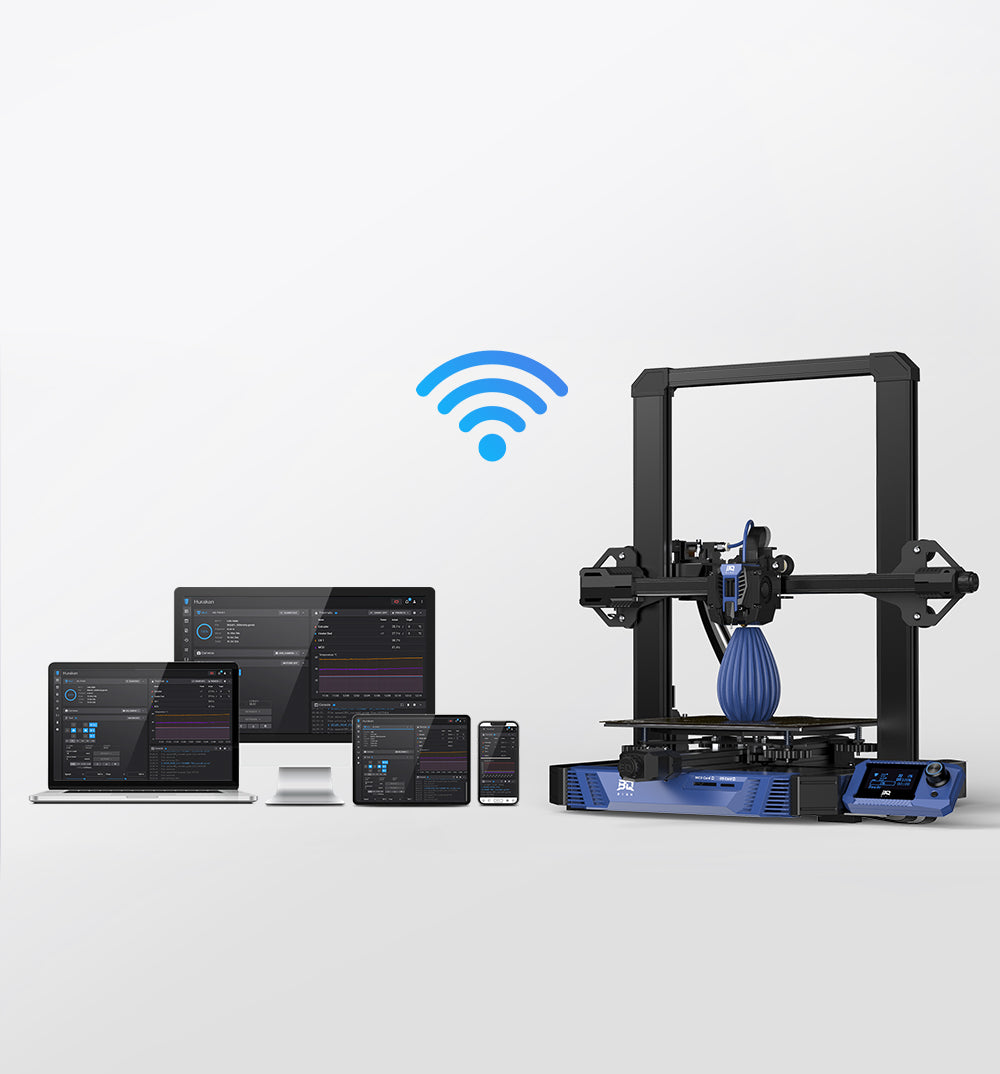
Enjoy Wireless Printing
The built-in WiFi module makes it easier to print, pause, check printing progress, and adjust parameters using the Mainsail interface.
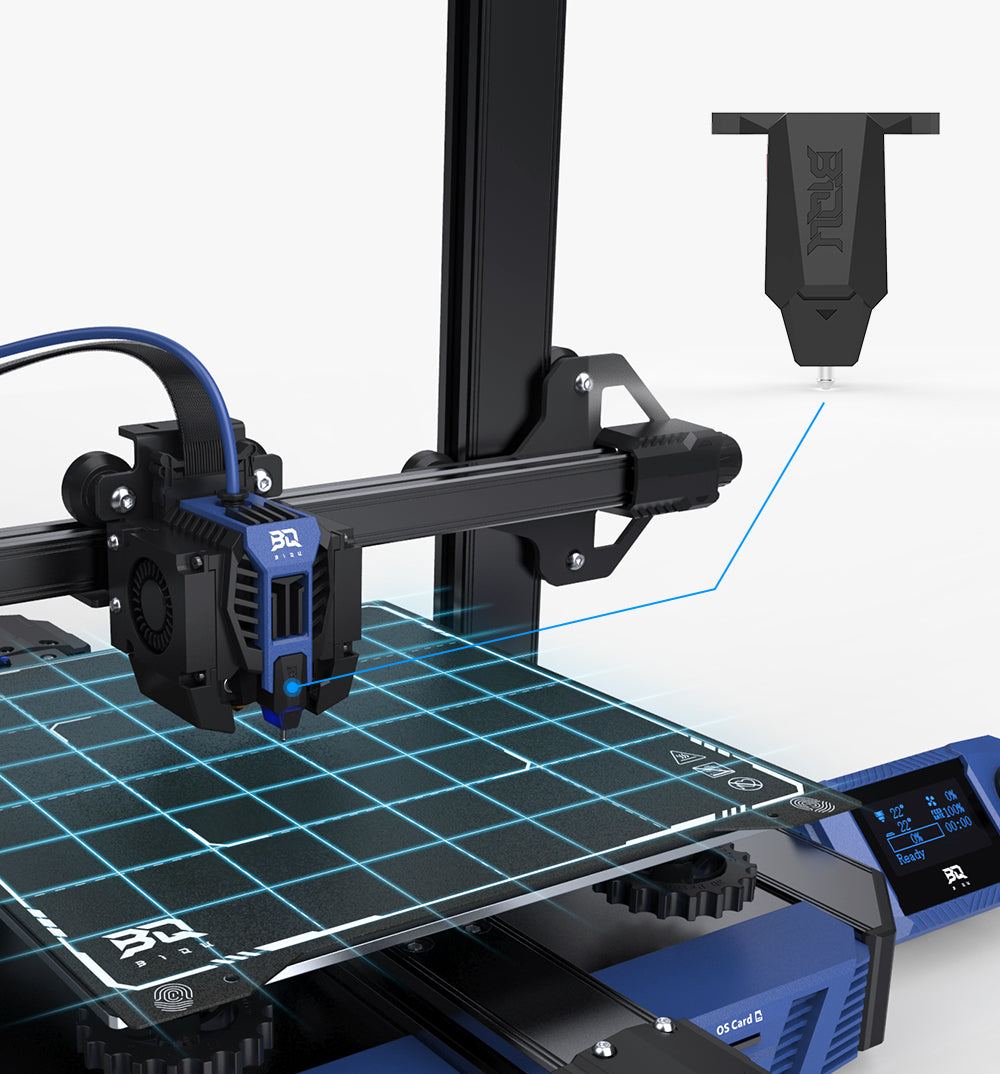
BIQU MicroProbe
The self-developed auto leveling sensor is tiny and lightweight at only 6g. It can be used over 10 million times while maintaining high precision leveling capability.
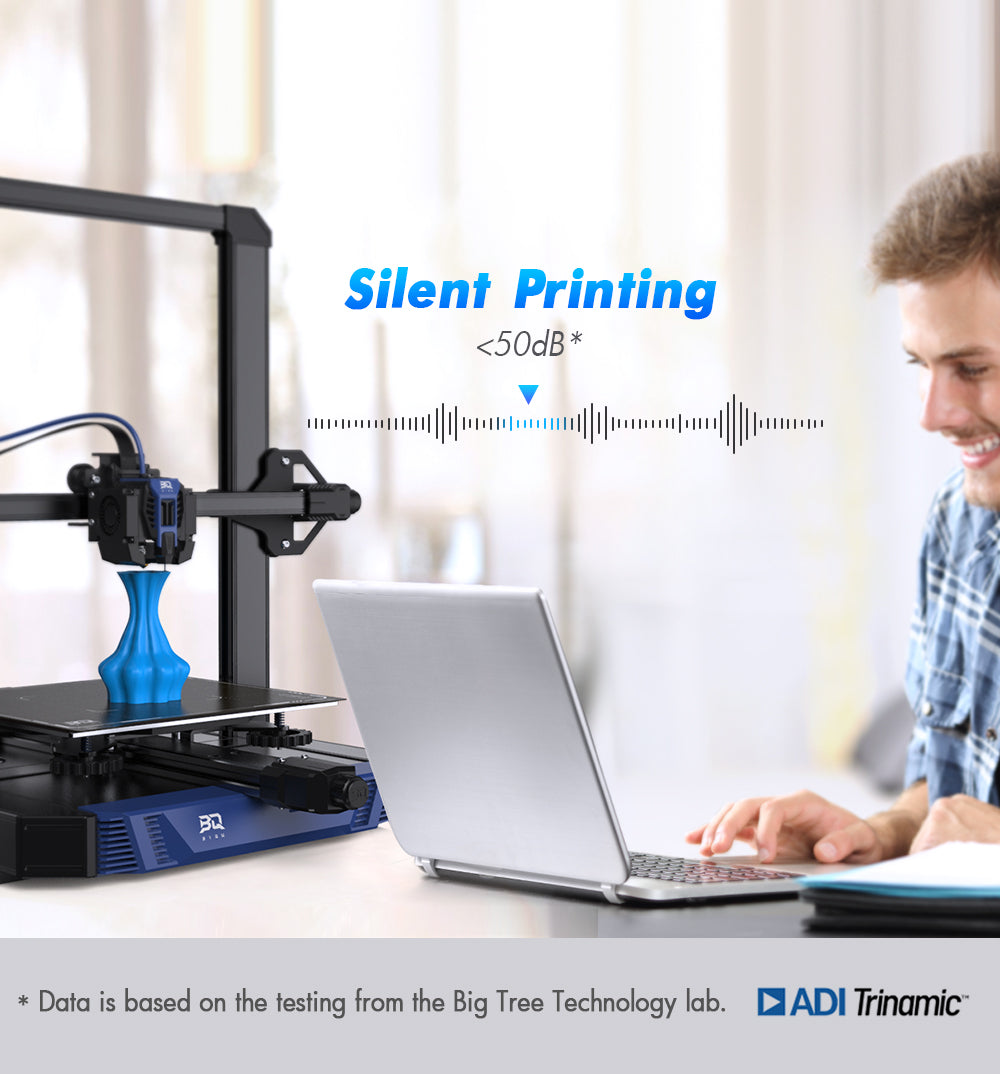
Quiet 3D Printing
The Hurakan uses an ultra-silent motor driver IC known as TMC2209 which significantly reduces printing noise.
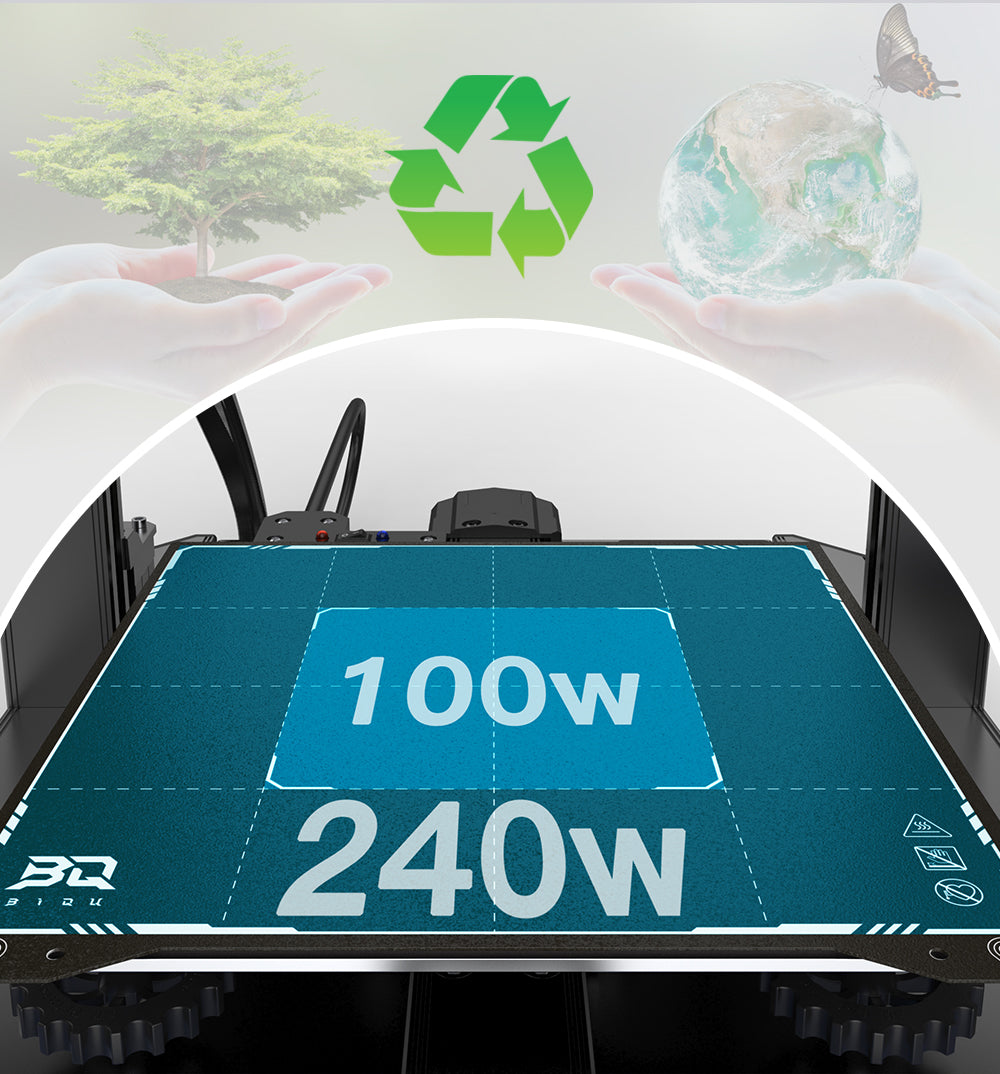
Choose the Part to Heat
Adjust the heated area of the bed with a simple flick of a switch. 100W for the central part of the bed; 240W for the whole bed.
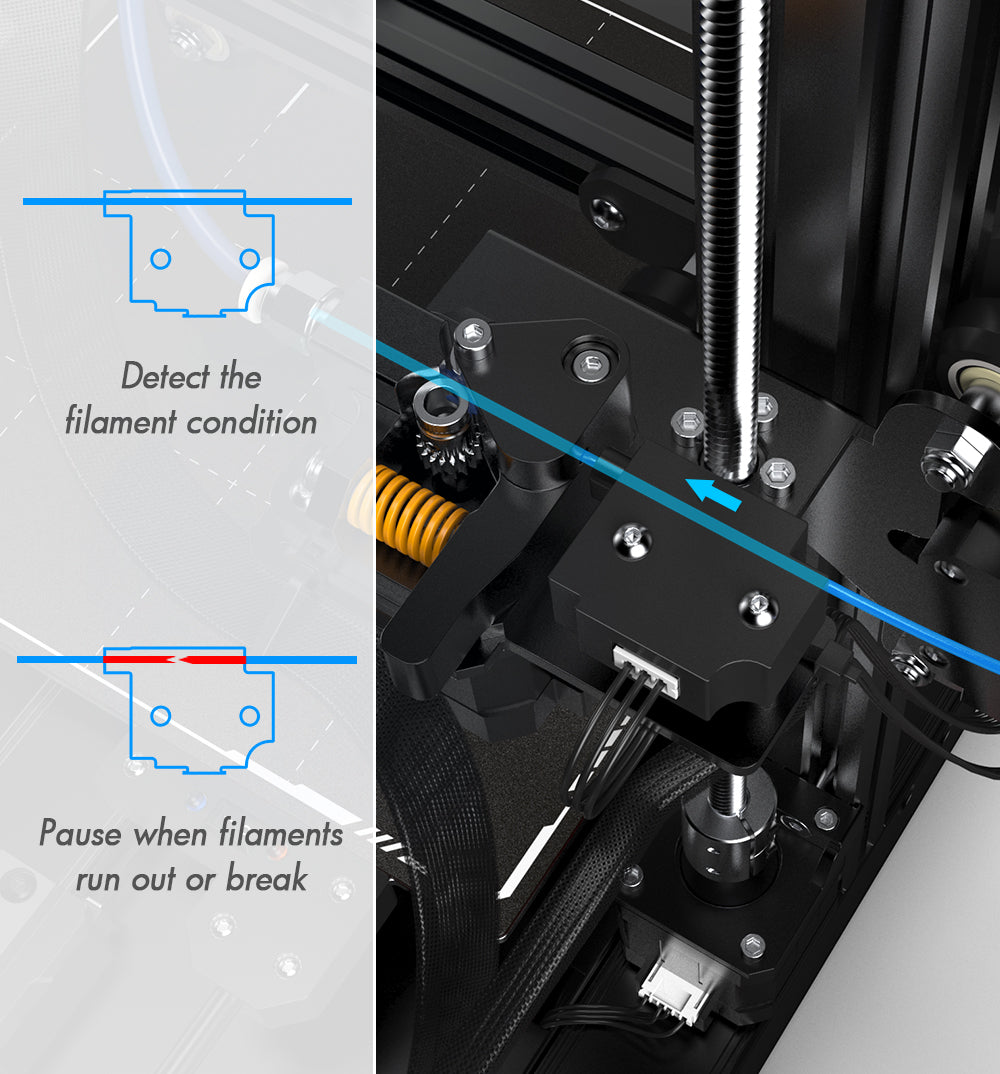
Filament Runout Sensor
The filament runout sensor allows printer to automatically pause a print if filament runs out or breaks, saving time and filament.
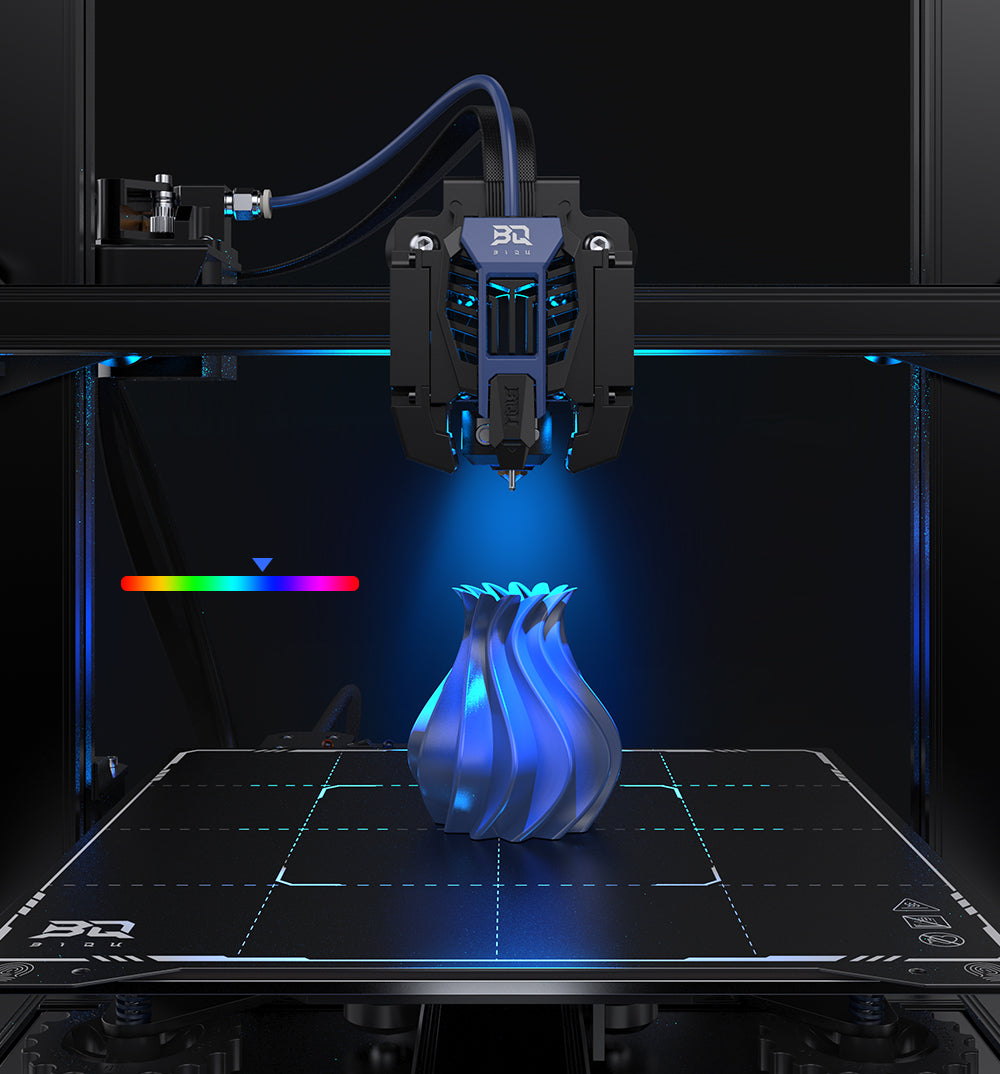
Light up Your Prints
An RGB light is customizable and beautifully designed to illuminate your prints in the dark with 16.8M color control.
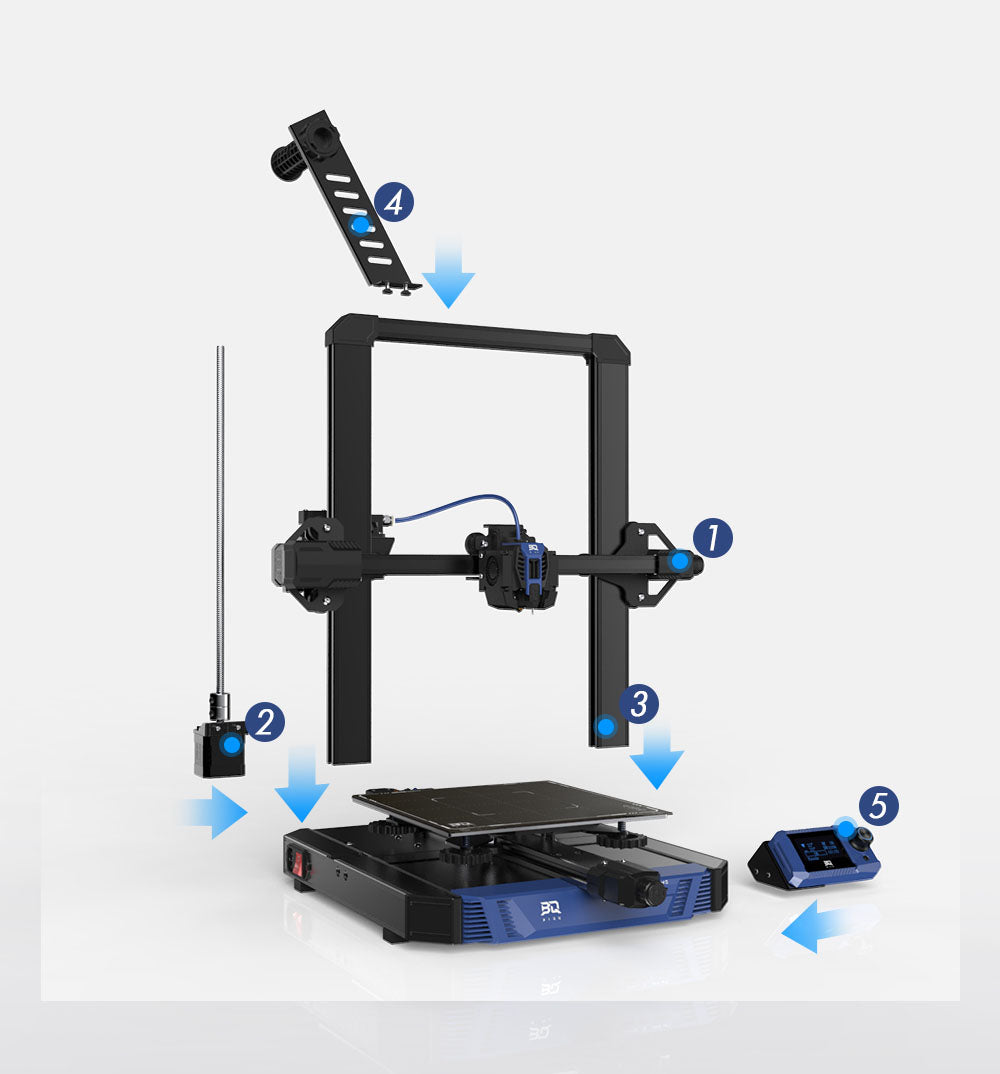
Get Start Quickly
Given the modular design, assembling the printer is fast and fun!
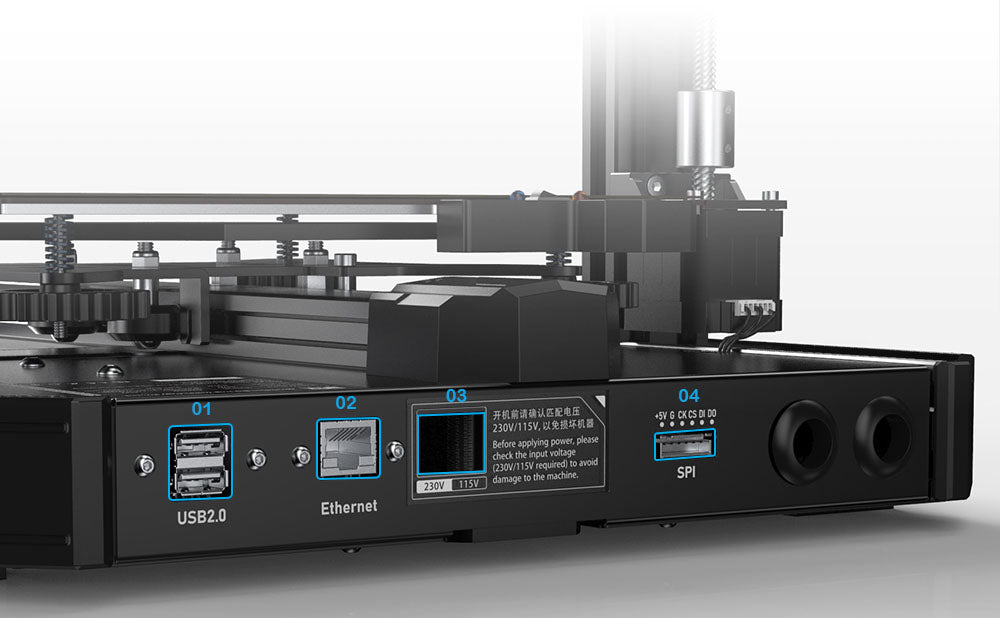
01 - Dual USB Ports
A USB flash drive can be used to print without an internet connection. A USB plug and play camera can be connected for wireless monitoring.
02 - Power Supply Optional
Suitable for different levels of voltage. 100-120V/200-240V.
03 - RJ45 Port
Offers a choice of a more reliable wired network connection. This is a Gigabit Ethernet port. Currently the CB1 installed on Hurakan only supports 100M Ethernet. To experience Gigabit Ethernet, replace the CB1 with the CM4.
04 - SPI Interface
Designed to connect an ADXL345 accelerometer to enable Klipper's Resonance Compensation for a print with less ringing.
Dimensions & Specs
50/60 Hz
Packaging List
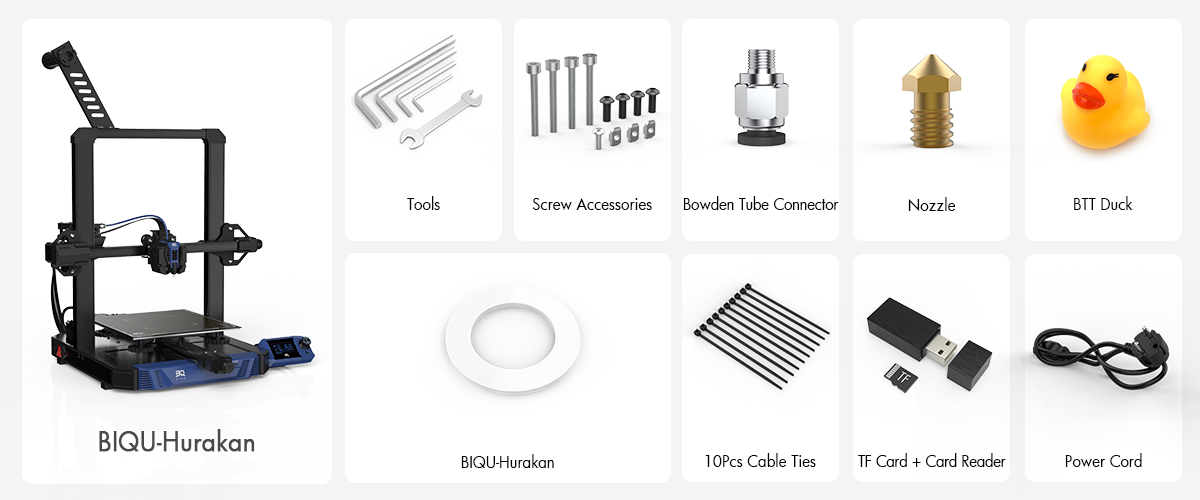
Note: Above are schematic diagrams of products, accessories, user interfaces, etc., for reference only. Please refer to the actual product since product updates may make the product slightly different from the schematic diagram.
Quick View Relevant Files
 Manual
Upgradeable Hardware


BIQU Camera
Coming soon...
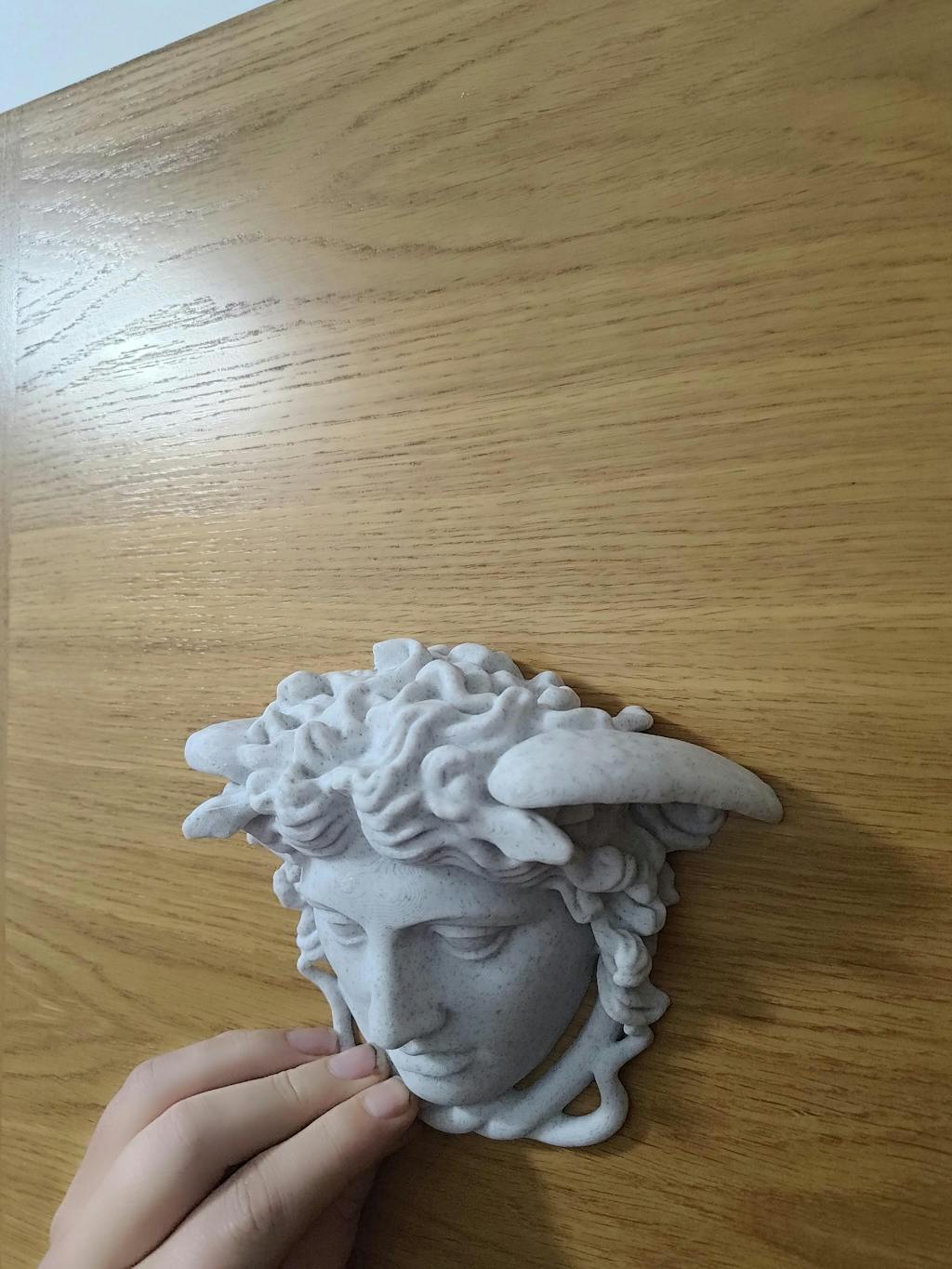
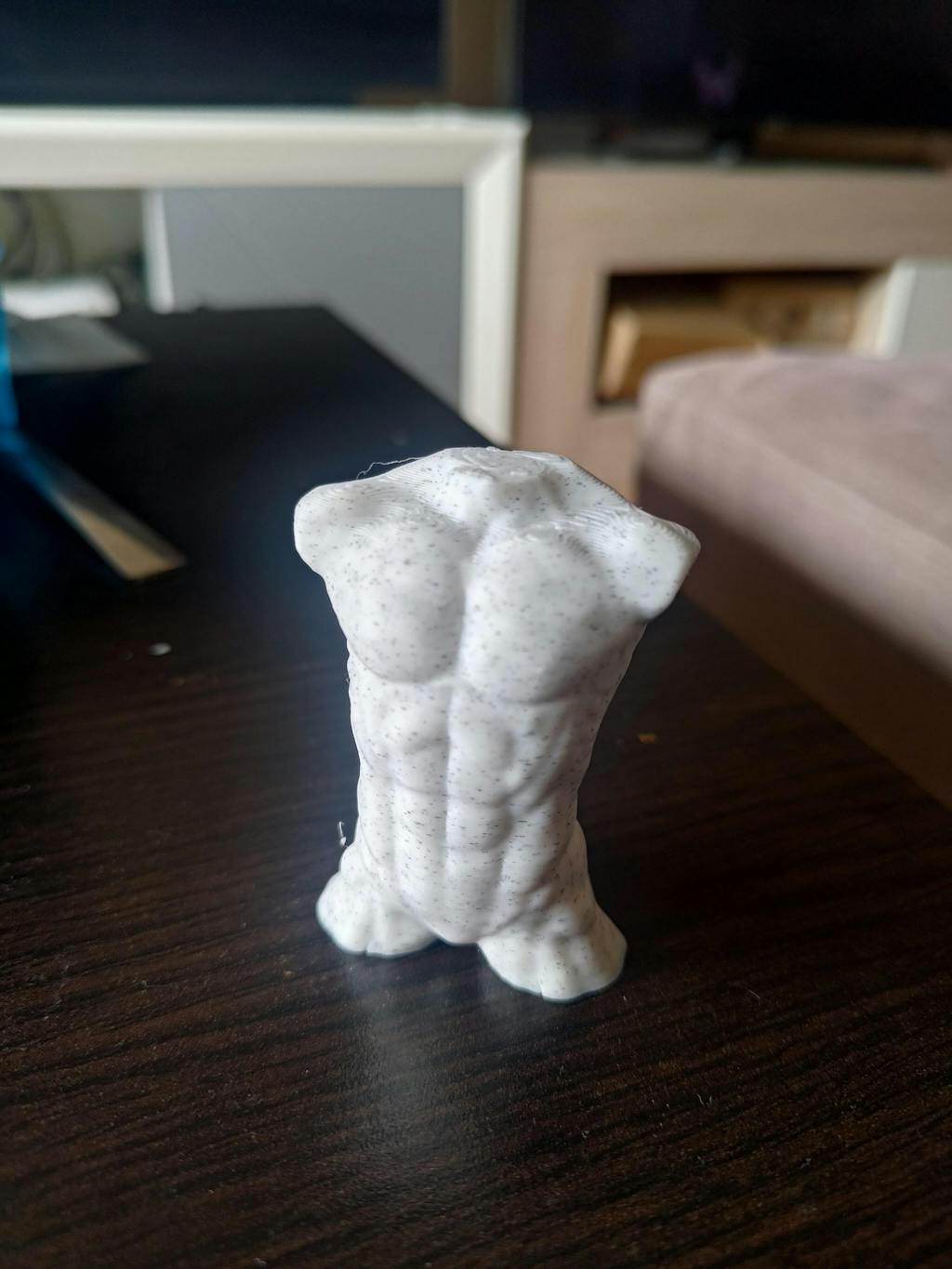
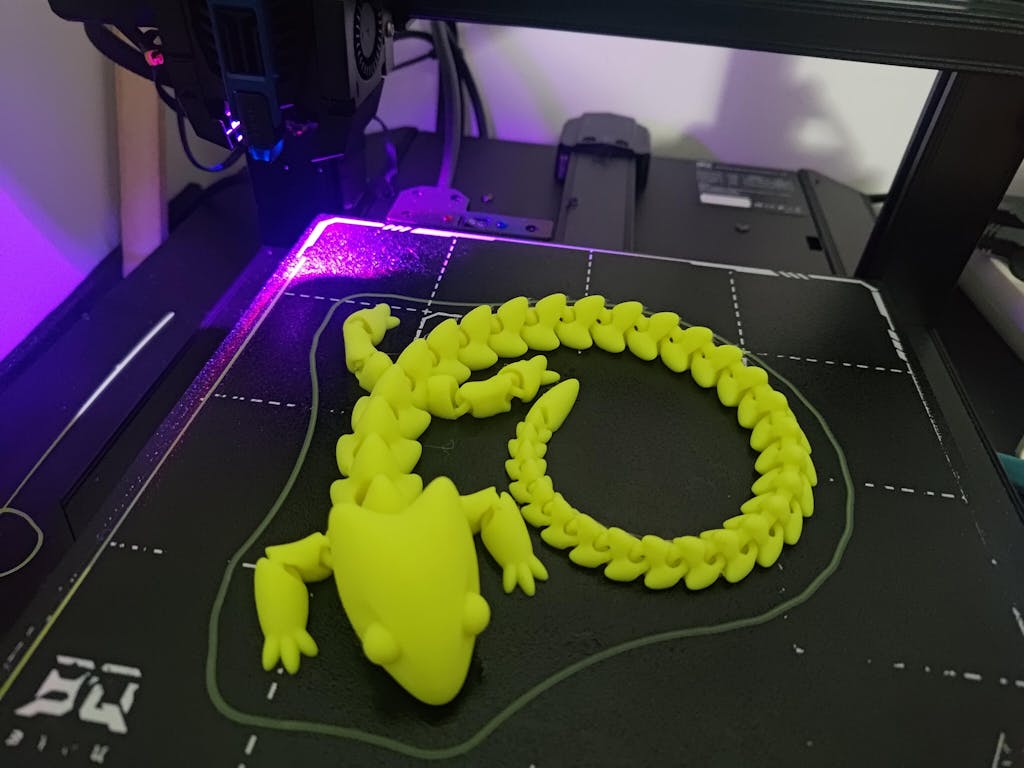
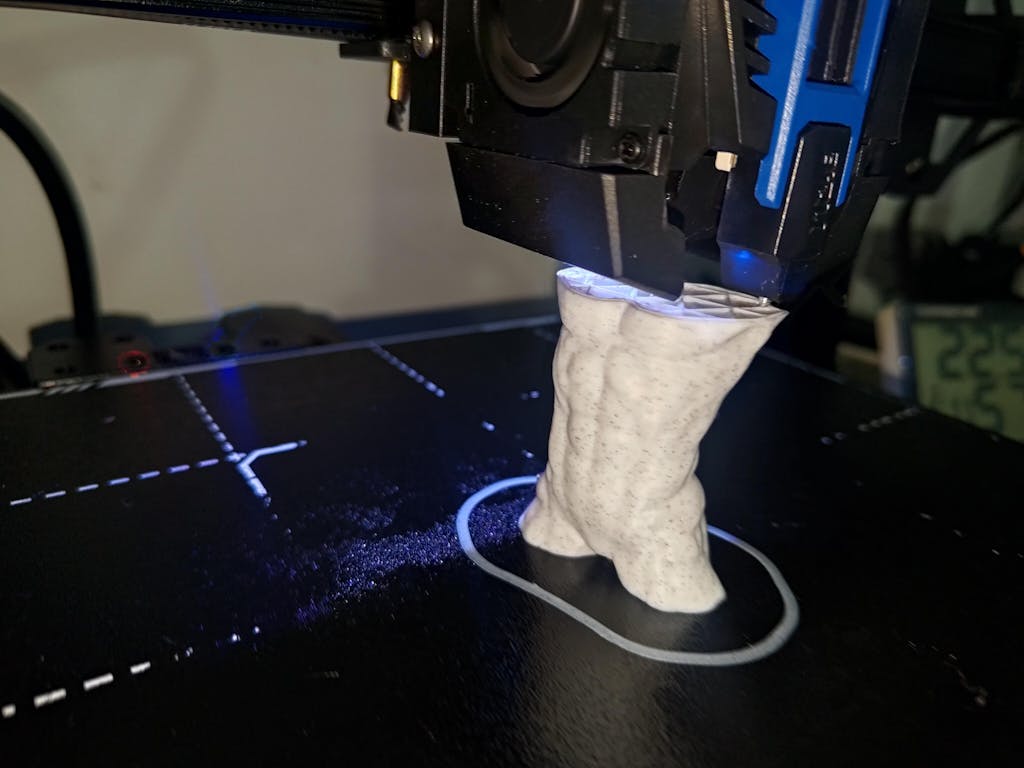
Print Process Display
Hurakan Original Accessories
| 2GT-6mm black belt 1m |
| 6*24mm heat break |
| 2*4mm teflon tube 1m |
| E3D brass nozzles V5/V6 1.75/0.4mm |
| Heating aluminum block silicone |
| PC4-M6 black pneumatic connectors |
| 235*235*0.3mm PEI spring steel sheet |
| 235X235*1.5mm soft magnetic stickers |
| POM wheel with dual bearing |
| 40W 24V 60mm white heater cartridge PH2.54-2P |
| 60mm thermistors PH1.5-2P |
| Filament break detection module |
| 3010 fan with 60mm wire XH1.5-2P terminal |
| 4010 fan with 60mm wire XH2.54-2P terminal |
| 4010 turbo fan with 80mm wire XH1.5-2P terminal |
| 3010 fan with 15cm wire XH2.54-2P terminal |
| BIGTREETECH Mini12864 V2.0 |
| BIGTREETECH Manta M4P V2.2 |
| BIGTREETECH CB1 V2.2 (Hurakan) |
| BIGTREETECH TMC2209 V1.3 (Hurakan) |
| Purchase link----https://biqu.equipment/products/biqu-hurakan-original-accessories |
FAQ
Q1, What is the shipping time? An how long it will take?
*From China warehouse, it will take almost 2 days to prepare your printer and 7-8 days for shipping.
*From US warehouse, you can refer to the avaliable time. After they arrive at US warehouse, it will take 5-6 days for shipping.